



For the full participant guide, see the Coherence app section.
Find your program
Open Coherence and go to Programs. Library lists the programs you’ve joined, from every organization you belong to. Find lists others you can add with Add to Library.
Run an activity
-
Read the overview
It says what’s coming and roughly how long it takes. Tap the start button.
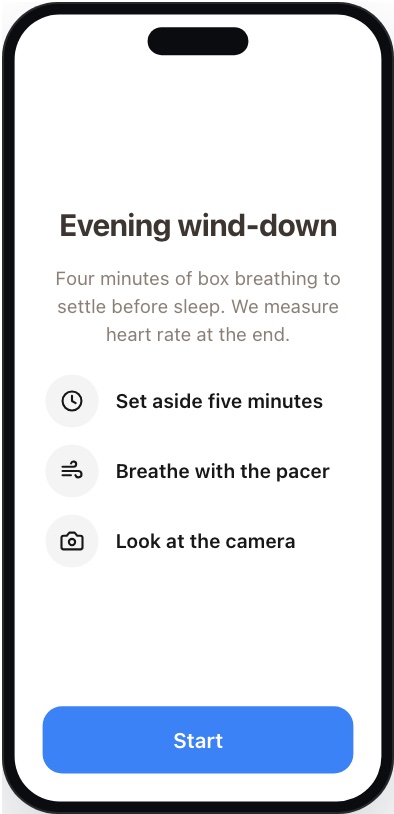
Overview (builder preview) -
Follow the pacer
Follow the breathing guide and the phase labels shown on screen.
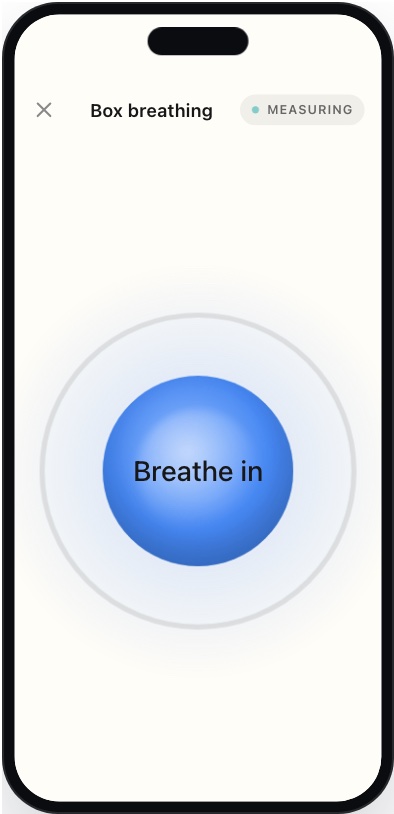
Breathing pacer (builder preview) -
Read the instructions
Tap the button when you’re ready.
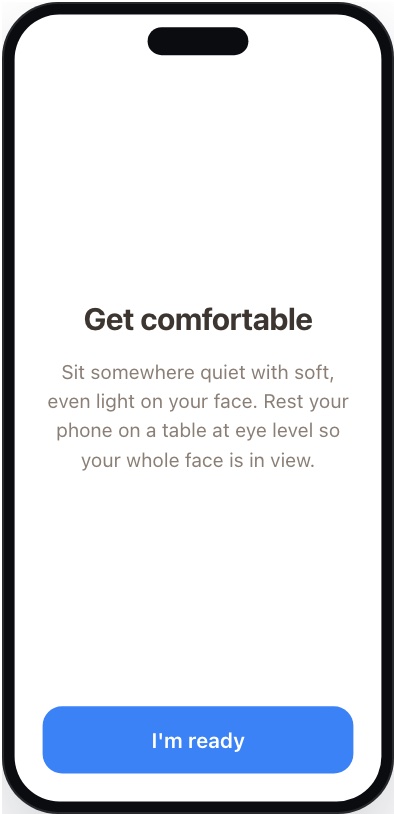
Instructions (builder preview) -
Hold still for the reading
Keep your face inside the outline. Messages may appear and disappear on their own. Tap Stop if you need to end early.
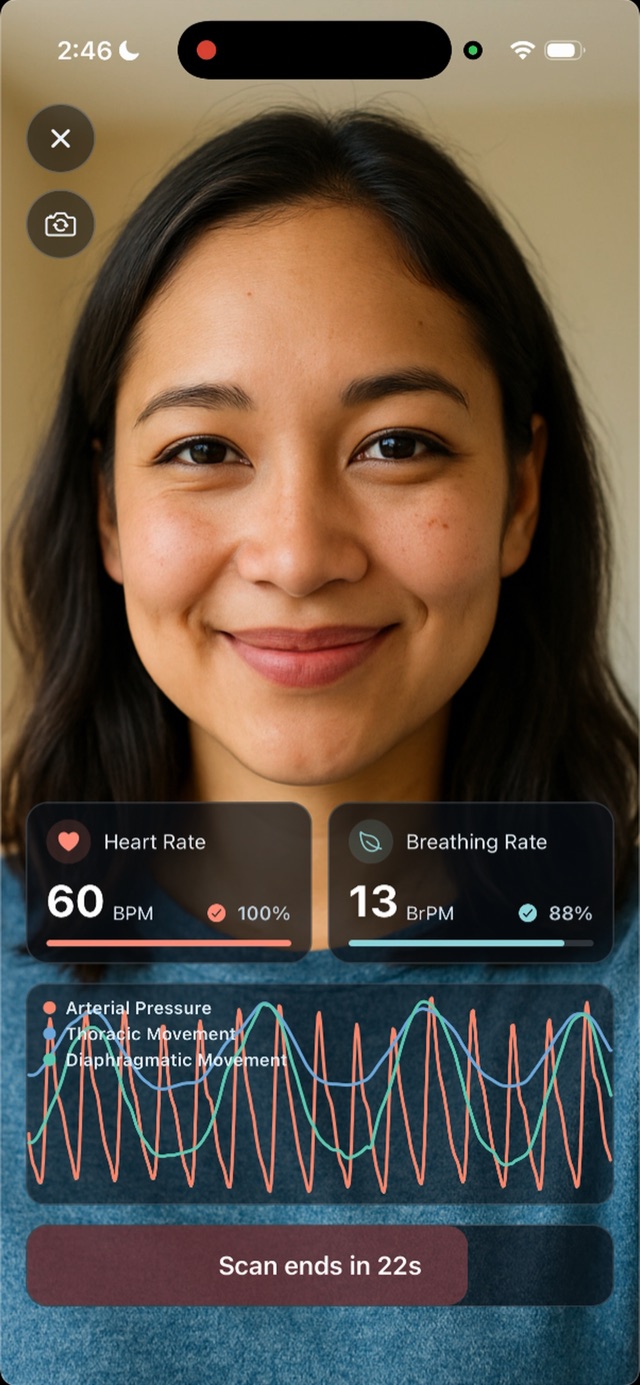
Reading -
Answer the questions
Answer the questions shown. Complete any required answers, marked with *, before continuing.
MORNING CHECK-INHow rested do you feel this morning?12345Not at allVeryDid you sleep more than 7 hours? *✓ Yes✕ NoContinueQuestions -
See your results
The summary shows your readings. You may be asked to rate the activity from 1 to 5 stars.
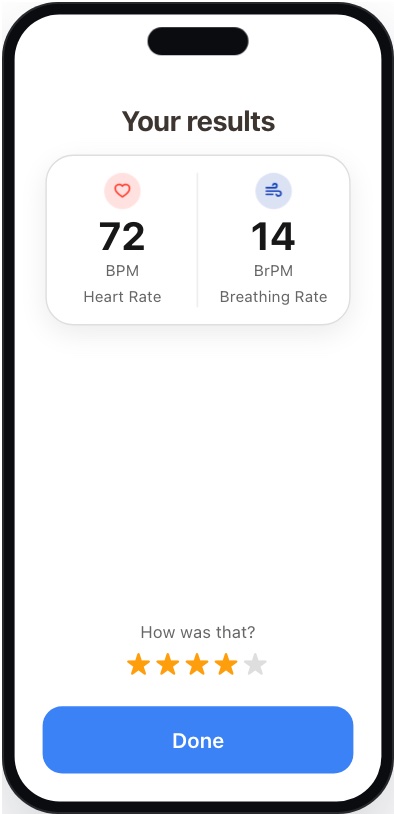
Summary (builder preview)
Privacy for participants
See Data, privacy and security for what’s collected and who can see it.