



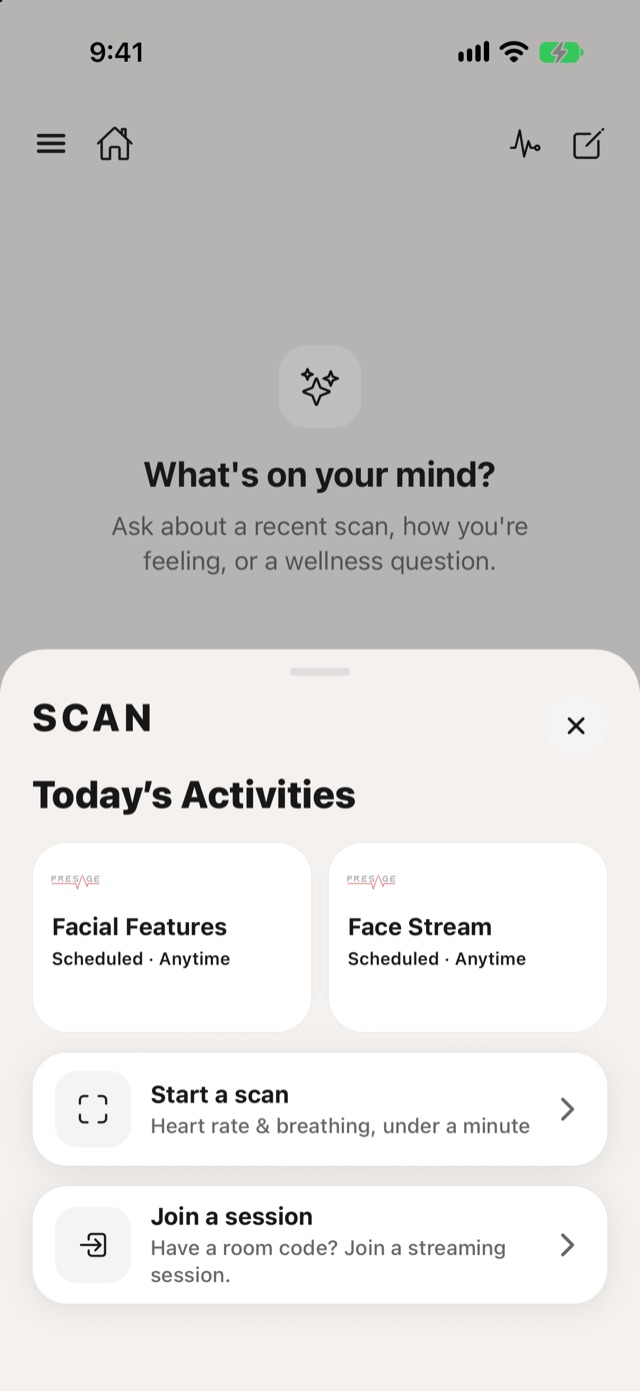
- Today's Activities: tap one to start it.
- Start a scan: a quick reading of heart rate and breathing, under a minute.
- Join a session: enter a room code to join a live session. See Join a live session.
To choose what a quick scan shows, tap the measurements line on Today. You can show heart rate, breathing rate, heart rate variability, and pulse, breathing and EDA waveforms. At least one has to stay on.
For supported devices and camera requirements, see System requirements.