
Start free
DocseSSESSMENT
Browse documentation
eSSESSMENT · Your Coherence account

Settings

Appearance, notifications, privacy, security and app information.

View Markdown

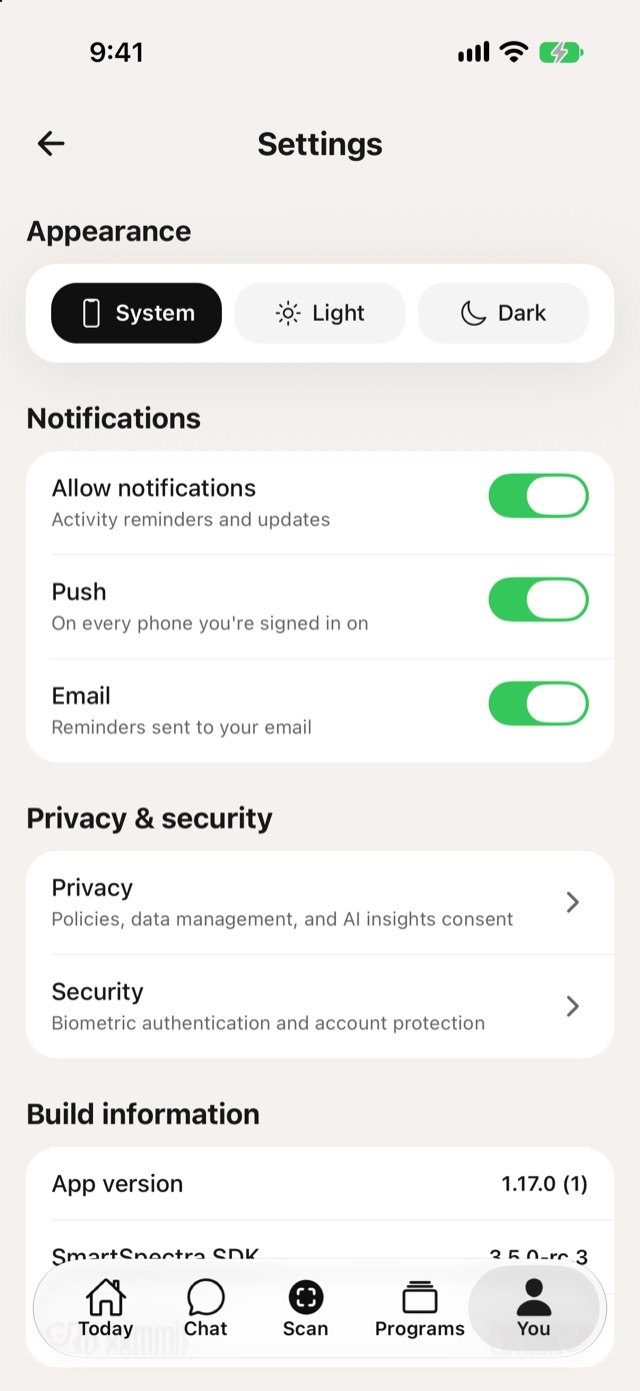
Settings with Appearance and Notifications

Settings
  • Appearance: System, Light or Dark.
  • Notifications: Allow notifications for activity reminders and updates. Choose Push, on every phone you're signed in on, or Email.
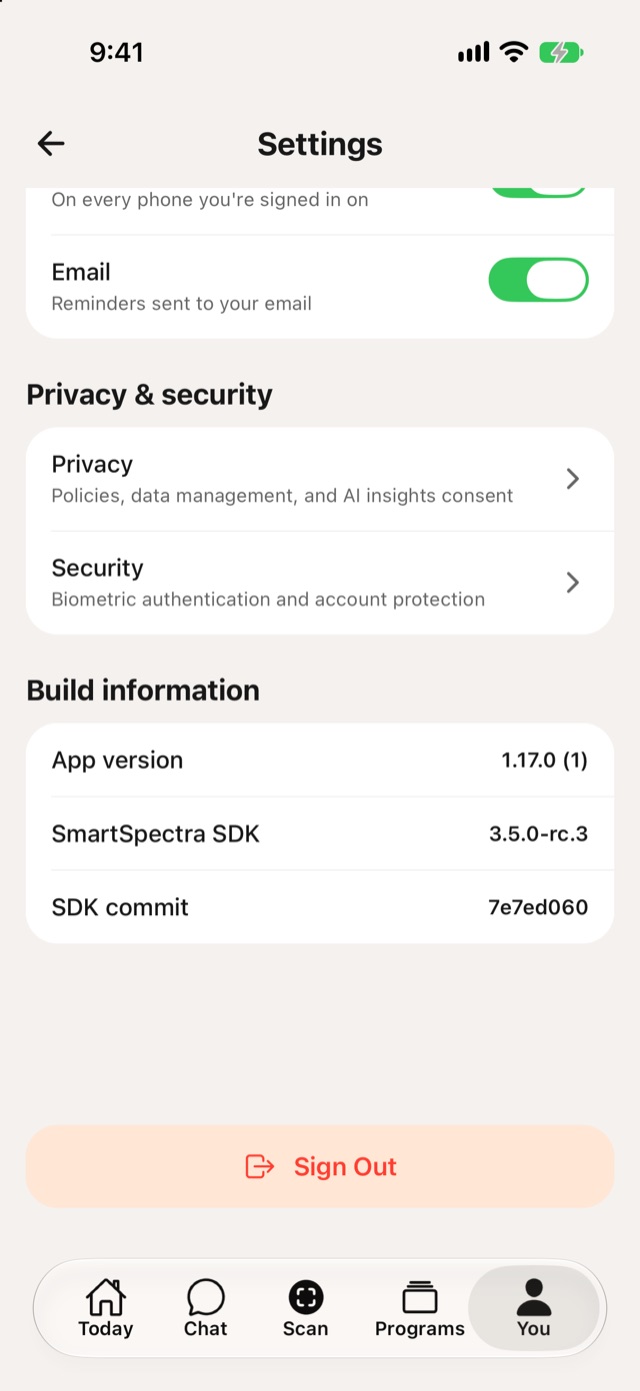
  • Privacy & security: see Privacy and Security.
  • Build information: the app version and SmartSpectra SDK version, useful when you contact support.
  • Sign Out

Settings with Privacy and security, Build information and Sign Out

Settings, continued

Search guides for the Console, Coherence and Liveline.