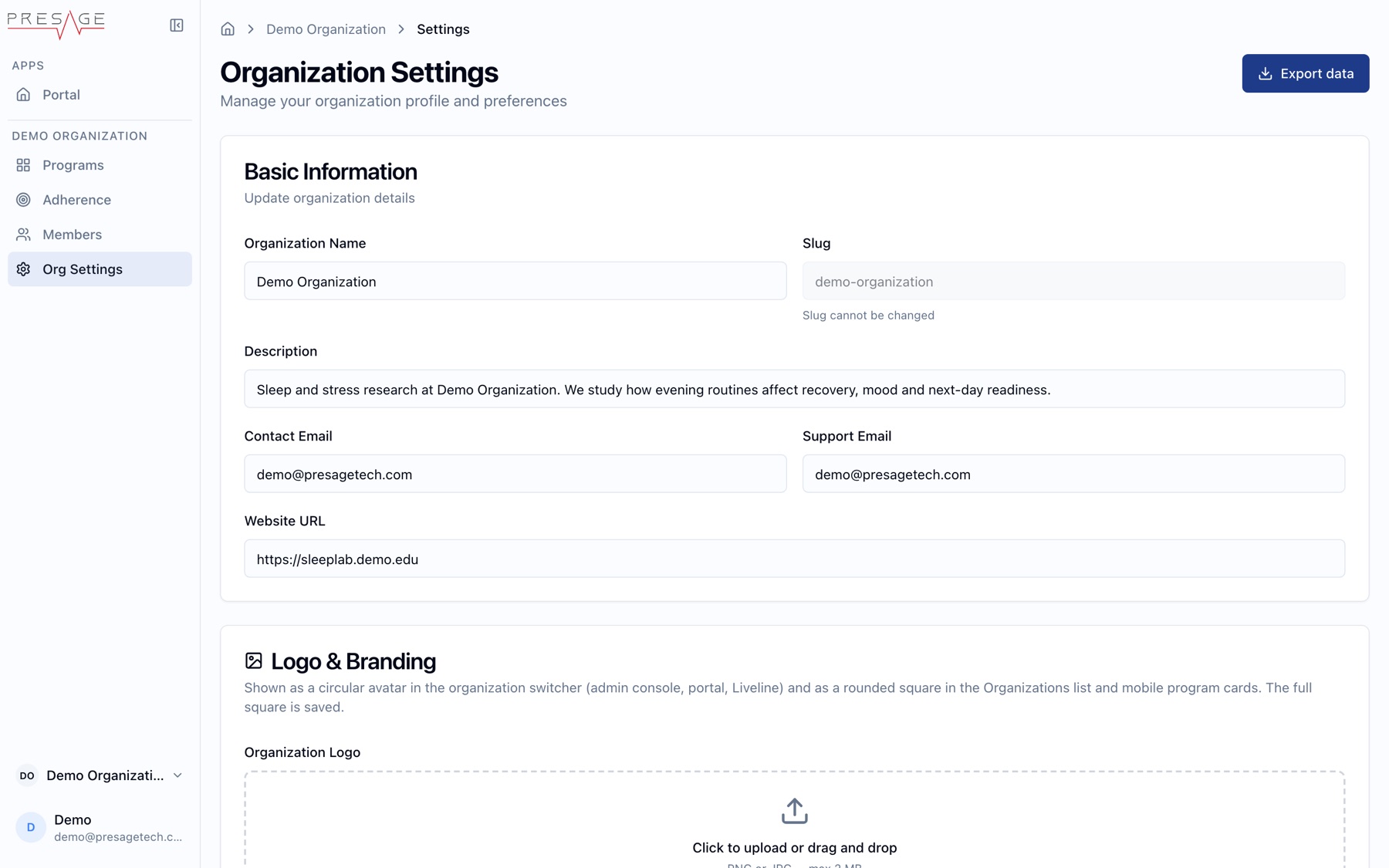

| Field | Notes |
|---|---|
| Organization Name | Shown across the Console and in Coherence. |
| Slug | Created automatically with the organization. Can’t be changed. |
| Description | A short description. |
| Contact Email | Main contact for the organization. |
| Support Email | Where people can reach your team for help. |
| Website URL | Your website. |
| Organization Logo | Shown in the mobile app. PNG or JPG, up to 2 MB. |
Click Save Changes when you’re done.