



Guide
-
Open the session
Find it in Session History and click Play.
-
Click Export
The Export Session dialog opens.
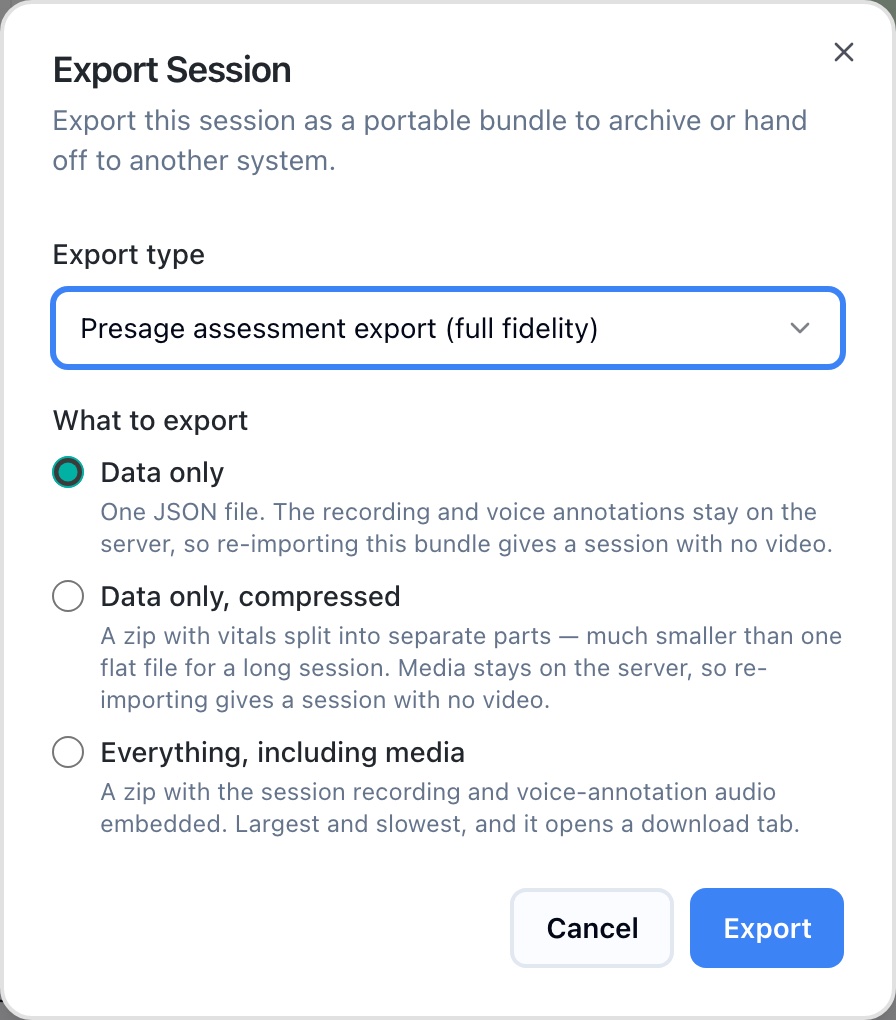
Export Session -
Choose an export type
Presage assessment export (full fidelity) is the default. eSSESSMENT-compatible export (legacy) is for older eSSESSMENT tools.
-
Choose what to export
See the options below, then click Export.
What to export
| Option | You get | Video on re-import |
|---|---|---|
| Data only | One JSON file. The recording and voice annotations stay on the server. | No |
| Data only, compressed | A zip with vitals split into separate parts. Much smaller than one flat file for a long session. | No |
| Everything, including media | A zip with the session recording and voice-annotation audio embedded. Largest and slowest, and it opens a download tab. | Yes |
Import a session
In Session History, click Import Session and choose a bundle. Set Source to Imported only to see only imported sessions.