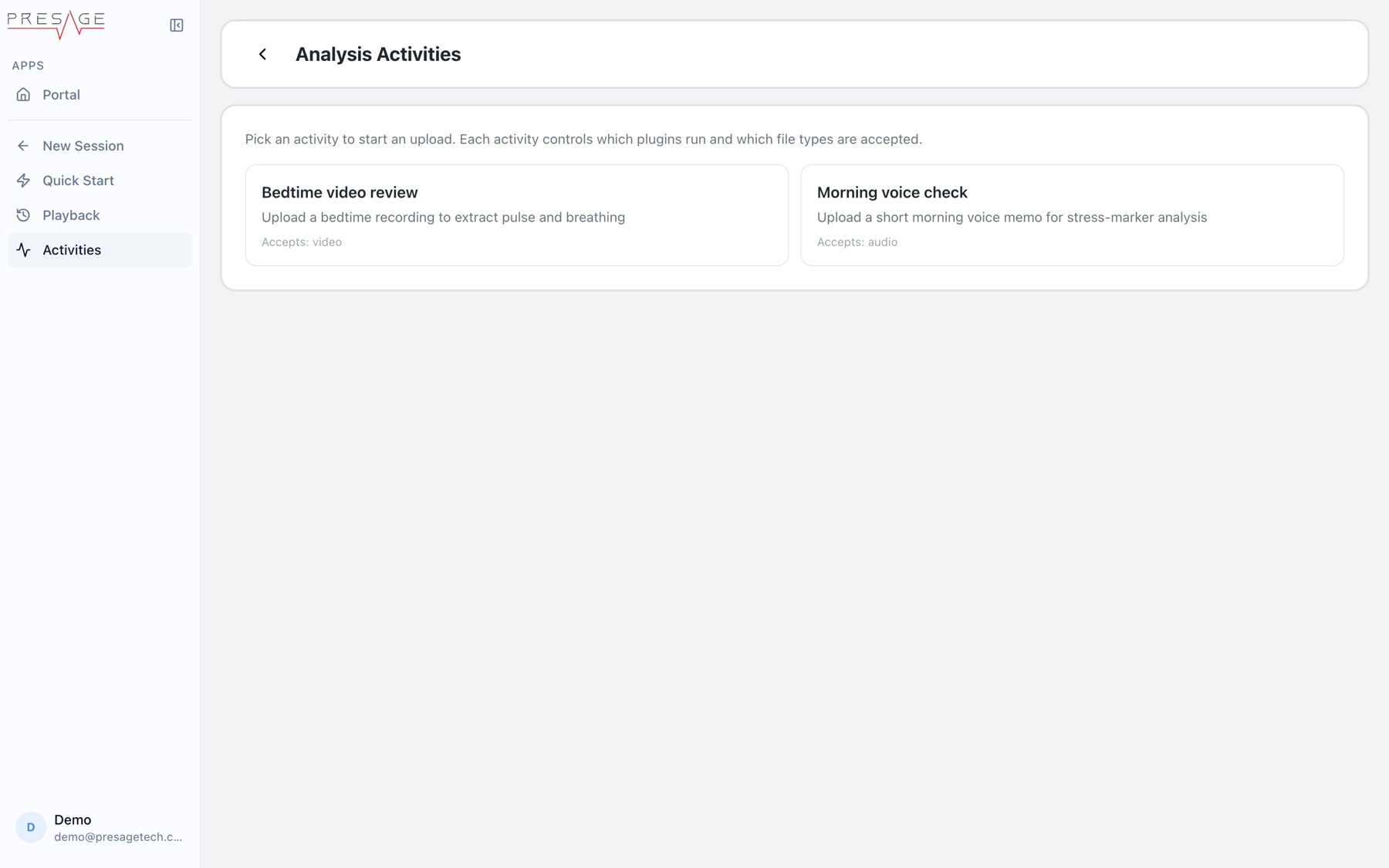

On Select Activity, click Upload Recording, or open Activities in the Liveline sidebar. Analysis Activities lists what you can run. Pick one, then drop a file under Upload for Analysis. Recent Jobs shows progress and results. Each activity controls which analysis runs and which file types it accepts.