



What you need before you start
- An account and an organization. See Create your account. The person who creates the organization is its owner.
- The Coherence app on a phone with a front camera. See Get the Coherence app.


Guide
-
Open the Console
Sign in at
coherence.presagetech.comand choose Console on the Your Apps page.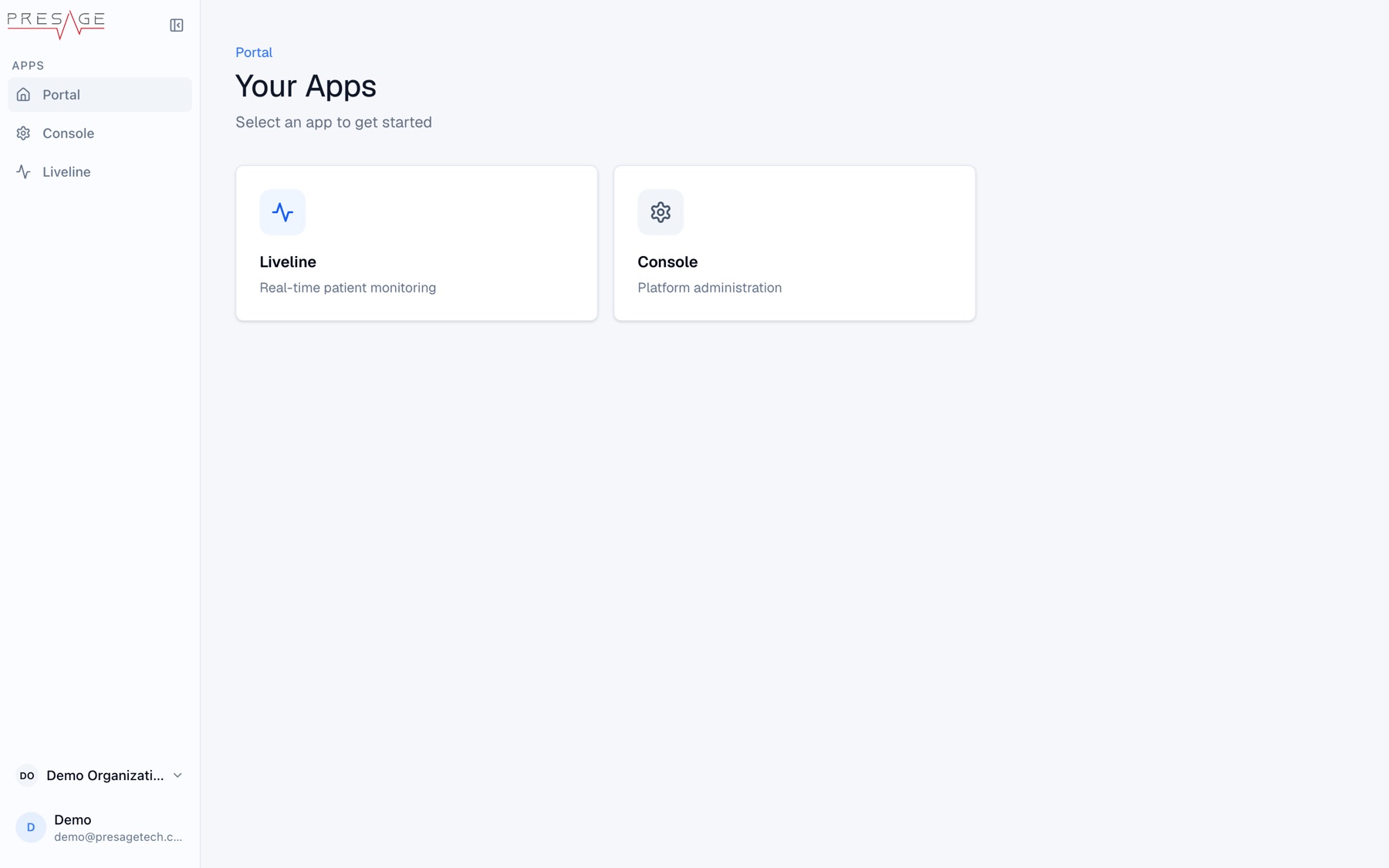
Your Apps -
Create a program
Go to Programs and click New Program. Enter a Program Name and Short Description, then click Create program and add activities.
 AppsPortalDemo OrganizationProgramsMembersOrg SettingsDemo Organization ▾Demo
demo@presagetech.comDemo Organization › Programs › DetailsCreate Program
Build a new program
Program Details
Basic information about your program
Program Name *Morning Check-inShort Description *A quick daily check-in routineLong DescriptionDetailed description of the program...OrganizationDemo OrganizationVisibility
Program VisibilityOnly explicitly added members can see this programCreate Program -
Decide who can see it
New programs are private: only people you add to the program can see it in Coherence. Turn on Program Visibility to show it to everyone in your organization, who can then add it to their Library themselves. You can change this any time from the program’s Subscribers tab. For this quickstart, leave it private and add yourself in step 8. See Programs.
-
Add an activity
On the program page, click Add activity and pick any template. This guide uses Daily vitals check as the example. Click Continue.
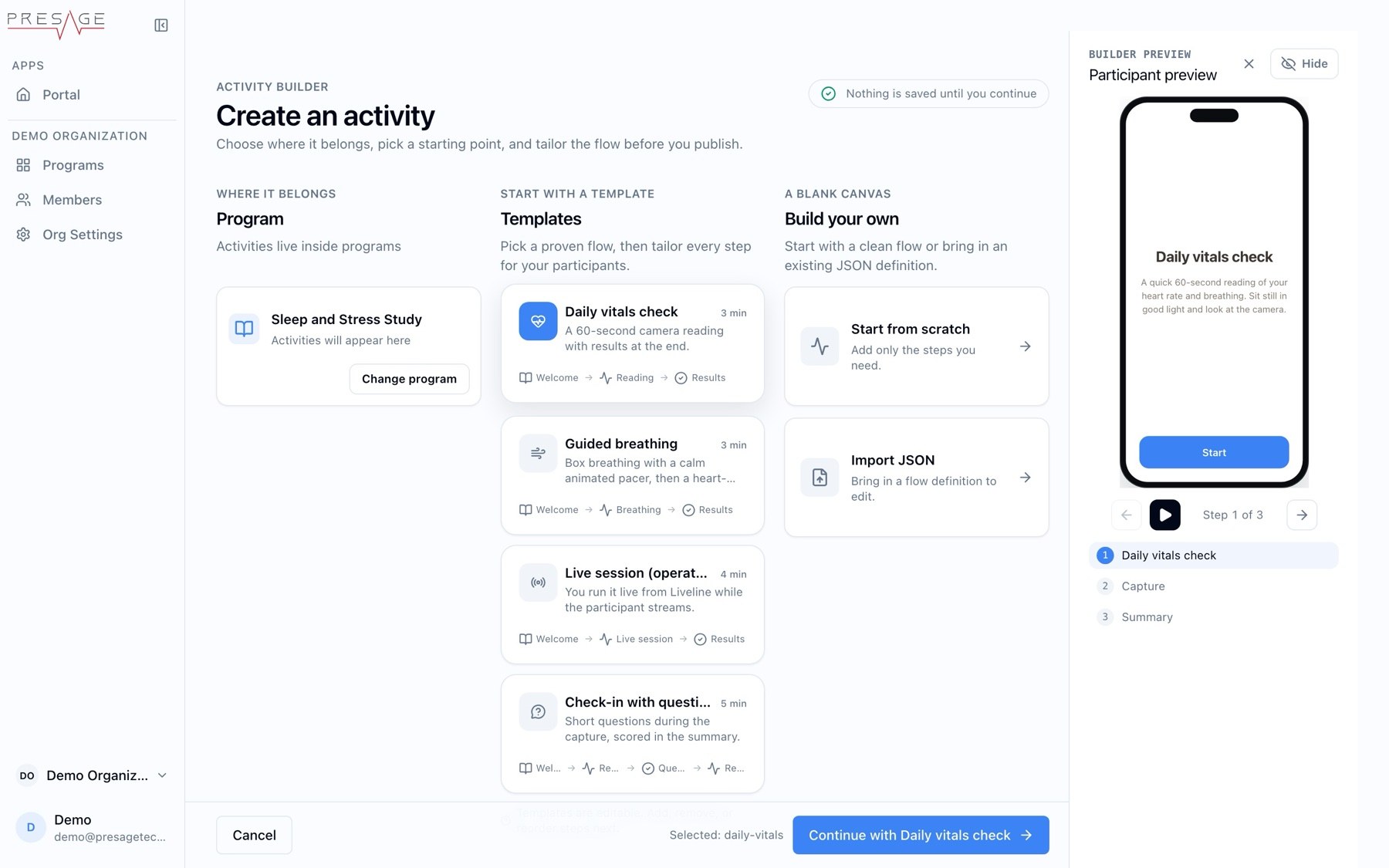
Create an activity -
Fill in the basics
Give the activity a Name and Description participants will see, then click Continue to Steps.
-
Check the steps
The Daily vitals check template adds an Overview, a 60-second Capture that collects vitals, and a Summary. Click a step to open its settings.
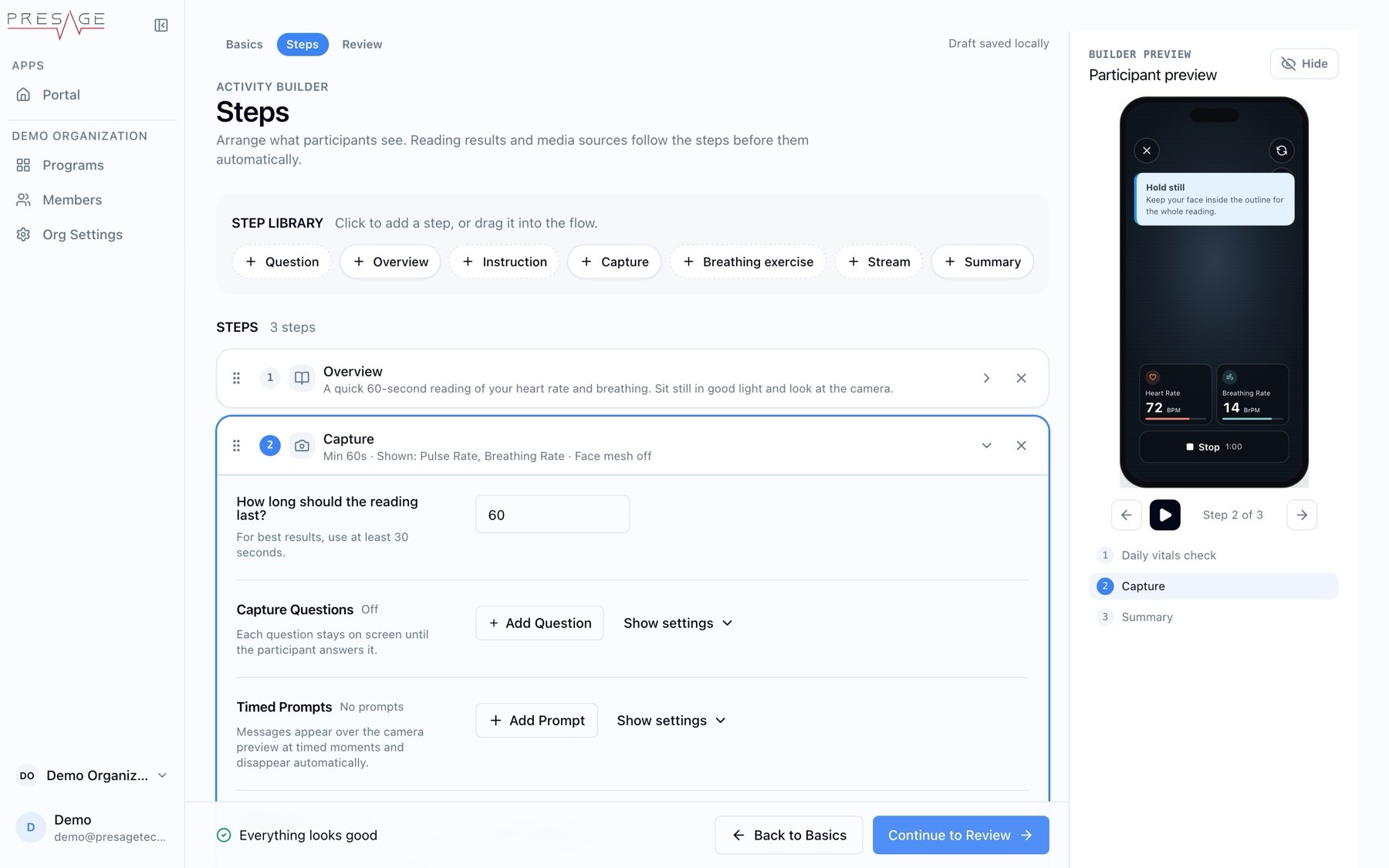
Steps -
Publish
Click Continue to Review, then Publish activity. Then go back to the program and save the program as well.
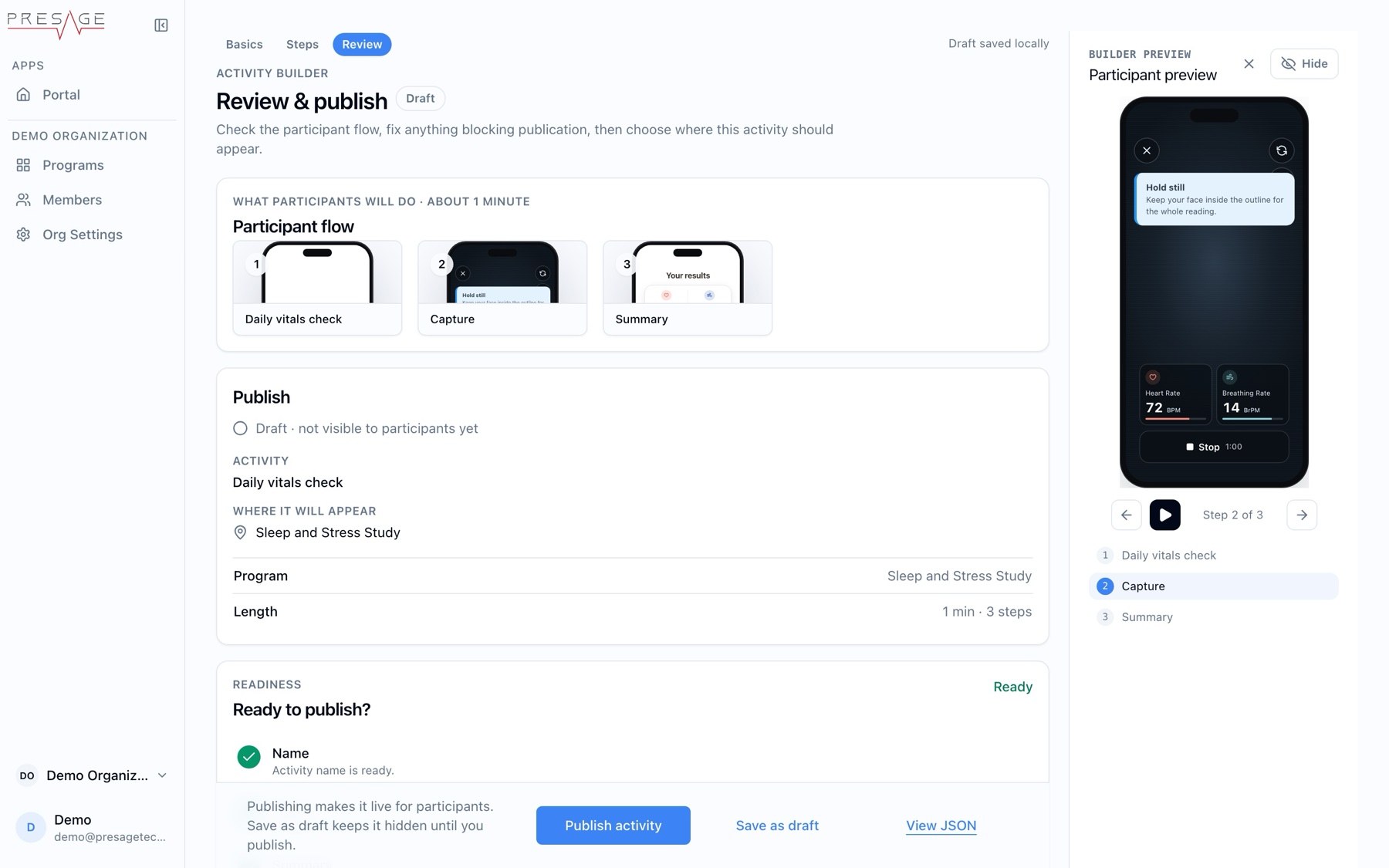
Review & publish -
Invite yourself as a participant
To test your new program, invite your own email to the organization and the program. See Invite people.
-
Run it
Open Coherence on your phone and sign in with the same email. Join the program, add it to your Library, and start the activity.
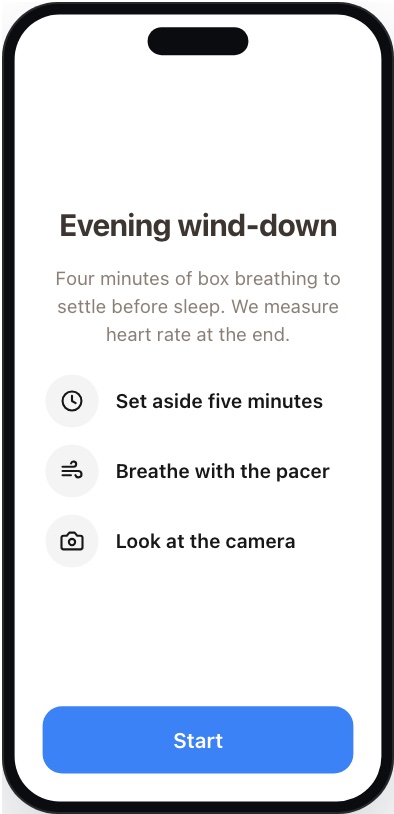
Activity start screen (builder preview)