



Add labels during a live session
Everything you add is stamped with the session time, on the same clock as the vitals.
-
Mark a moment
Click the Vitals Timeline at the moment you want to label. Add Comment opens at that time. Type your label, such as “participant coughed”, and press
Enter.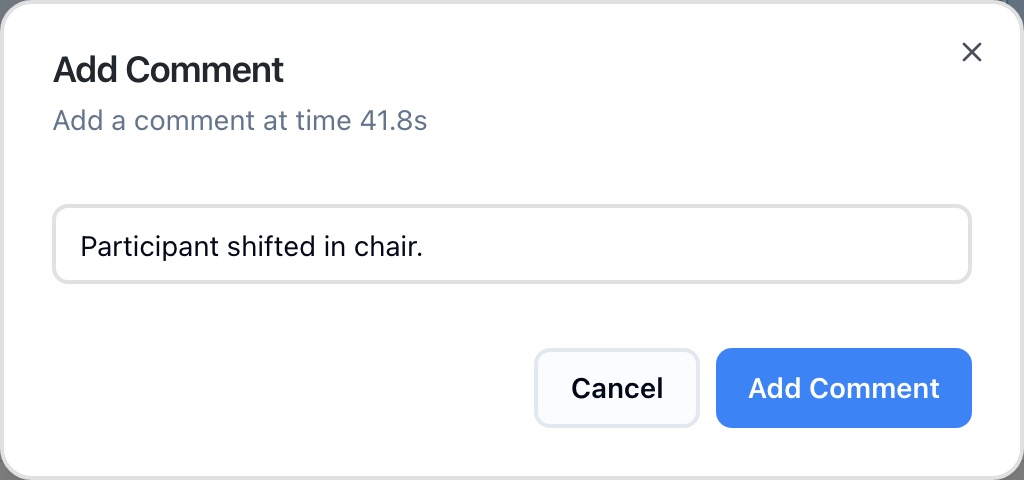
Add Comment opens at the time you clicked -
Mark a span of time
Hold
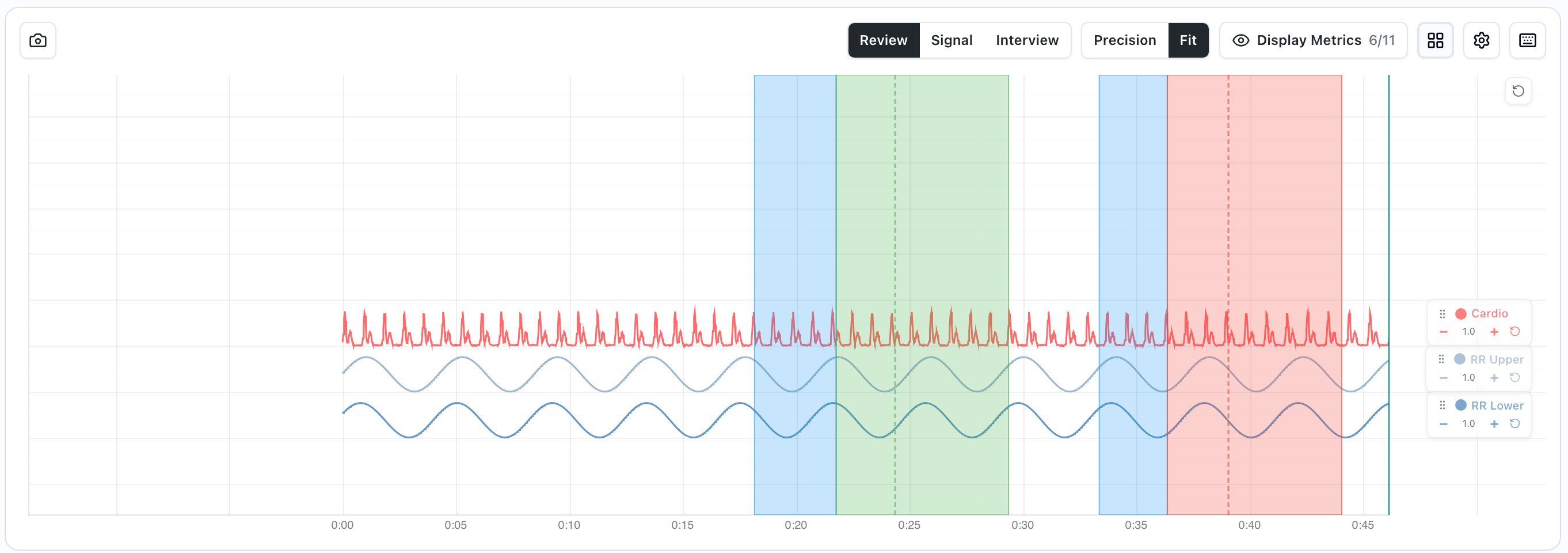
Shiftand drag across the Vitals Timeline from where the span starts to where it ends. Add Region Comment opens for that span. Type your label and pressEnter. -
Write a note
Open the Notes tab below the chart, type in Add a note…, and press
Enteror click Add. The note is stamped with the current time. -
Label questions and answers
On the Questions tab, hold
Spacewhile you ask a question, then record the answer withY,Nor the answer buttons. The asking and answering periods become labeled spans with the response. See Ask and answer questions.
Add labels after the session
Open the session in Playback. The same labels work there:
- Mark a moment: click the chart, or click Note in the toolbar to label the moment at the playhead.
- Mark a span of time: hold Shift and drag across the chart.
- Write a note: use the Notes tab.
- Score the session: on the Scores tab, click Score Session.
Review your labels
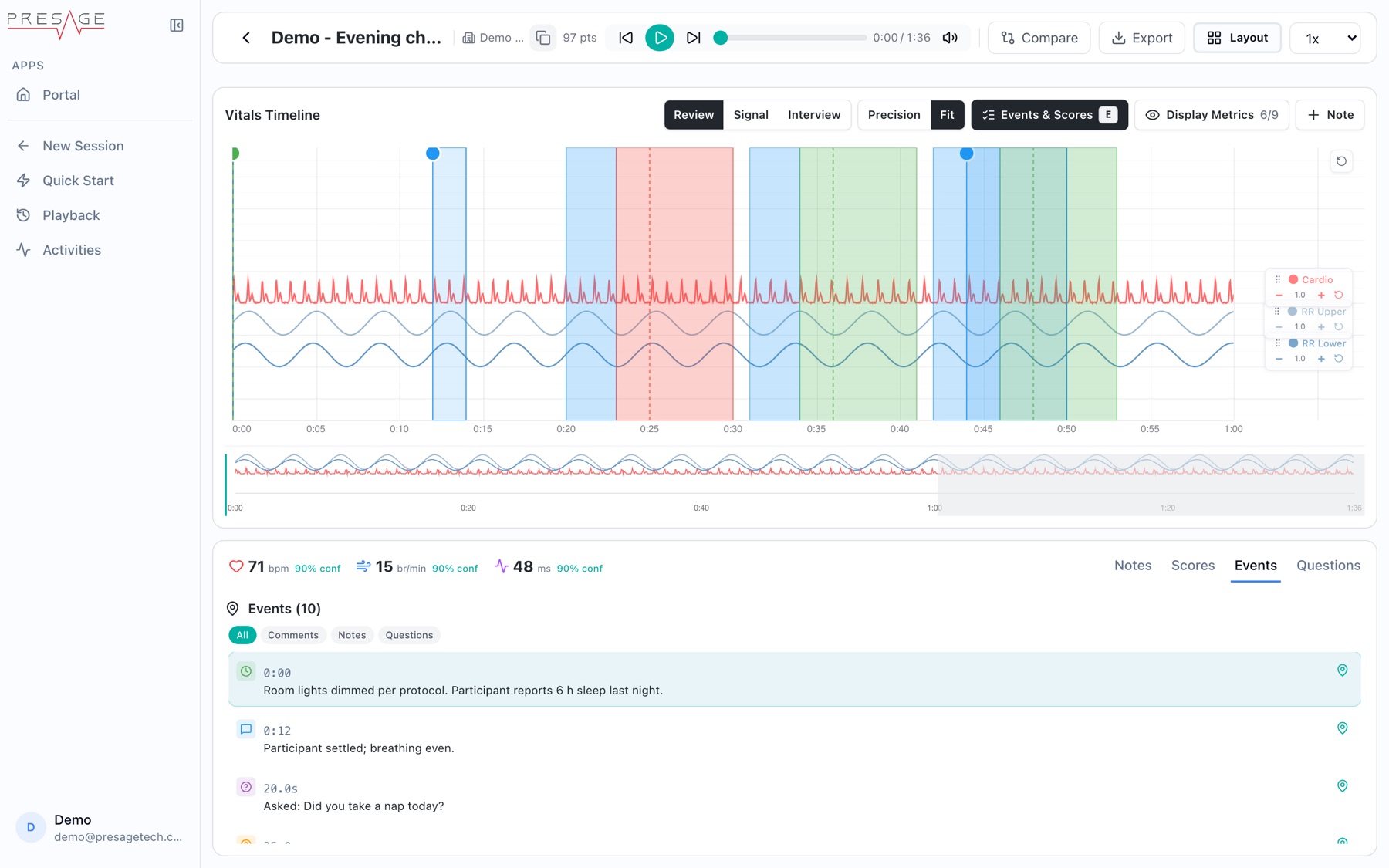
In Playback, the Events tab lists every comment, note, answer and camera event in time order. Filter with the chips at the top, and click an item to jump to that moment. Press E to show or hide markers on the chart.
Get labels out for analysis
Export the session. Every export type includes the labels next to the vitals, so you can line them up by time.
| Label | In the export | Times (seconds) |
|---|---|---|
| Question segments | assessment.questions: question text, label and response | askStartTime, askEndTime, responseStartTime |
| Timed comments | assessment.comments: text and comment type | timelineStart, timelineEnd for a span |
| Notes | assessment.notes: text | time |
| Scores | assessment.scoring | Whole session |
// assessment.questions, one entry per question asked { "questionText": "Did you take a nap today?", "label": "B1", "askStartTime": 18.2, "askEndTime": 21.6, "responseStartTime": 22.4, "response": "yes" }
In Data only, compressed and Everything, the labels are in manifest.json and the vitals are split into parts under vitals/.