

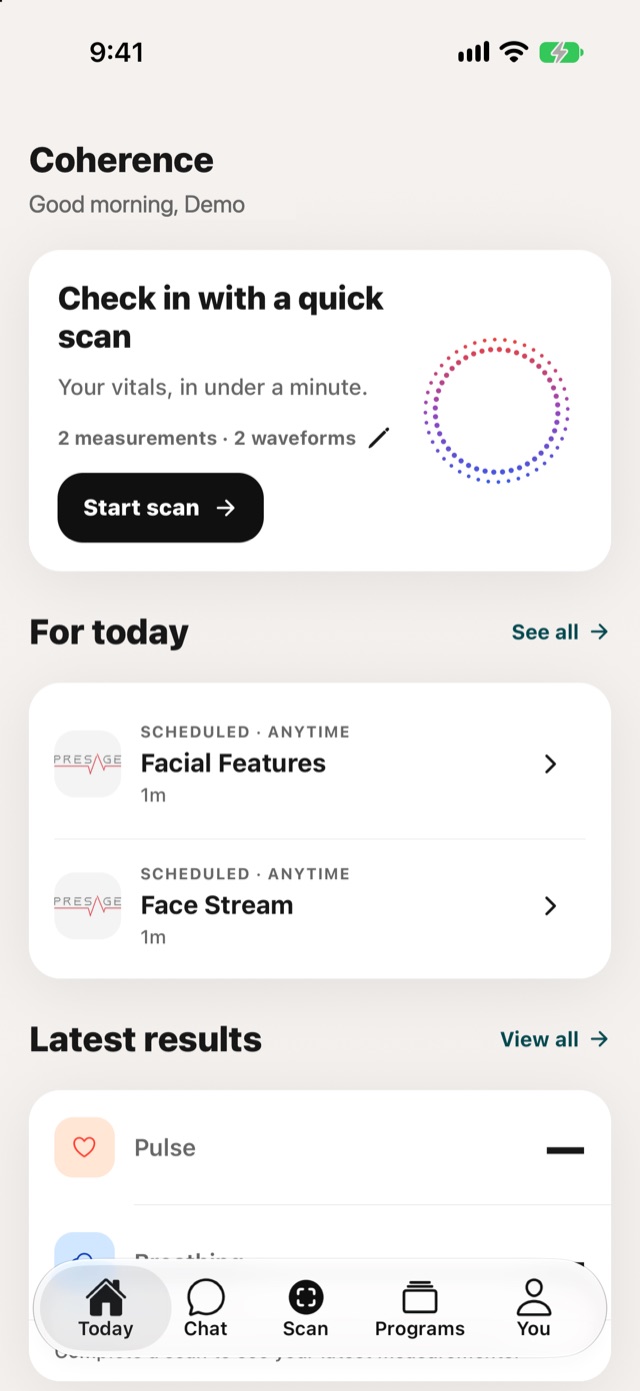
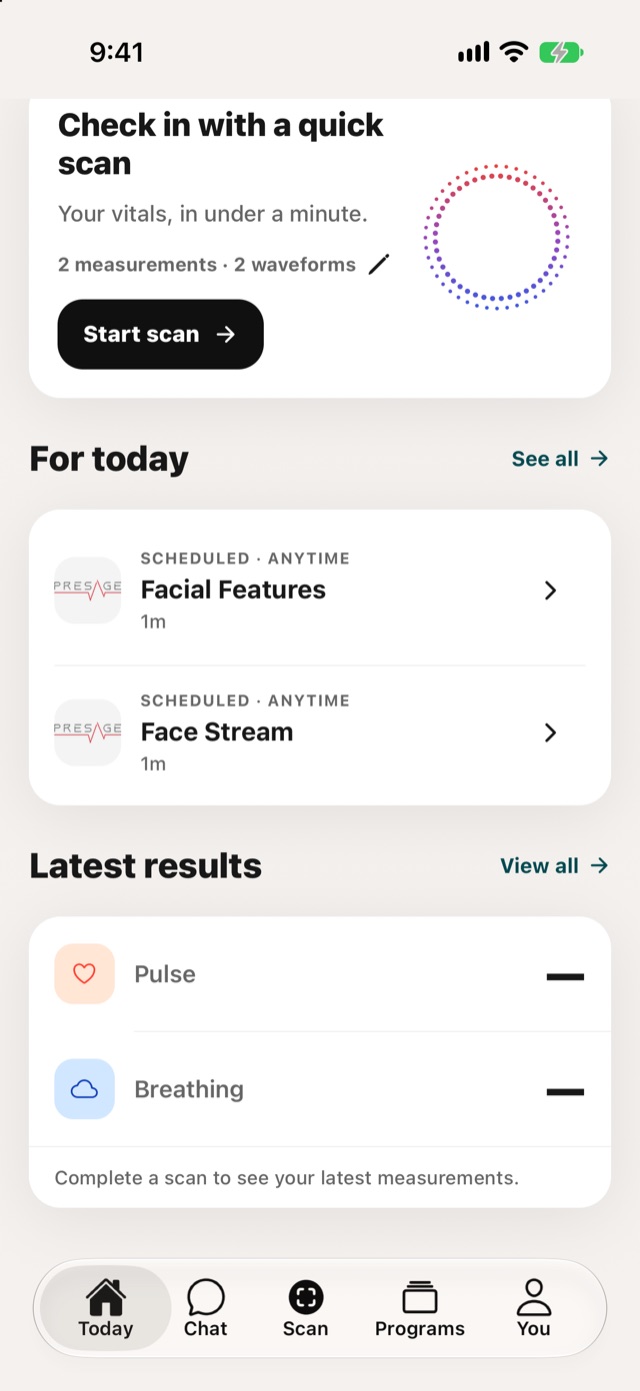
- Check in with a quick scan: tap Start scan for a vitals reading in under a minute. The line under it shows which measurements and waveforms the scan displays. Tap it to change them.
- For today: activities from your programs, each with when it's due, such as Scheduled · Anytime. Tap See all for the full list.
- Latest results: your most recent pulse and breathing. Tap View all for your results history.
Reminders for due activities arrive as push notifications or email. See Settings.