



Accept an invitation
-
Open the invitation
Your organization sends an email: “You’re invited to join … on Presage”. Tap View invitation, then Open in Coherence. If you don’t have the app yet, tap Get Coherence first.
-
Sign in with the invited email
Coherence shows who invited you and reminds you to use the invited email on the next screen.
-
Join
Tap Join. Joining also adds the invited programs to your Library. When you see You’re in, tap Continue.
Invitations also appear on the Programs tab, with Join and Not now.
Your Library
Open the Programs tab. Library lists your programs from every organization you belong to. Use the organization filter or search to narrow the list.
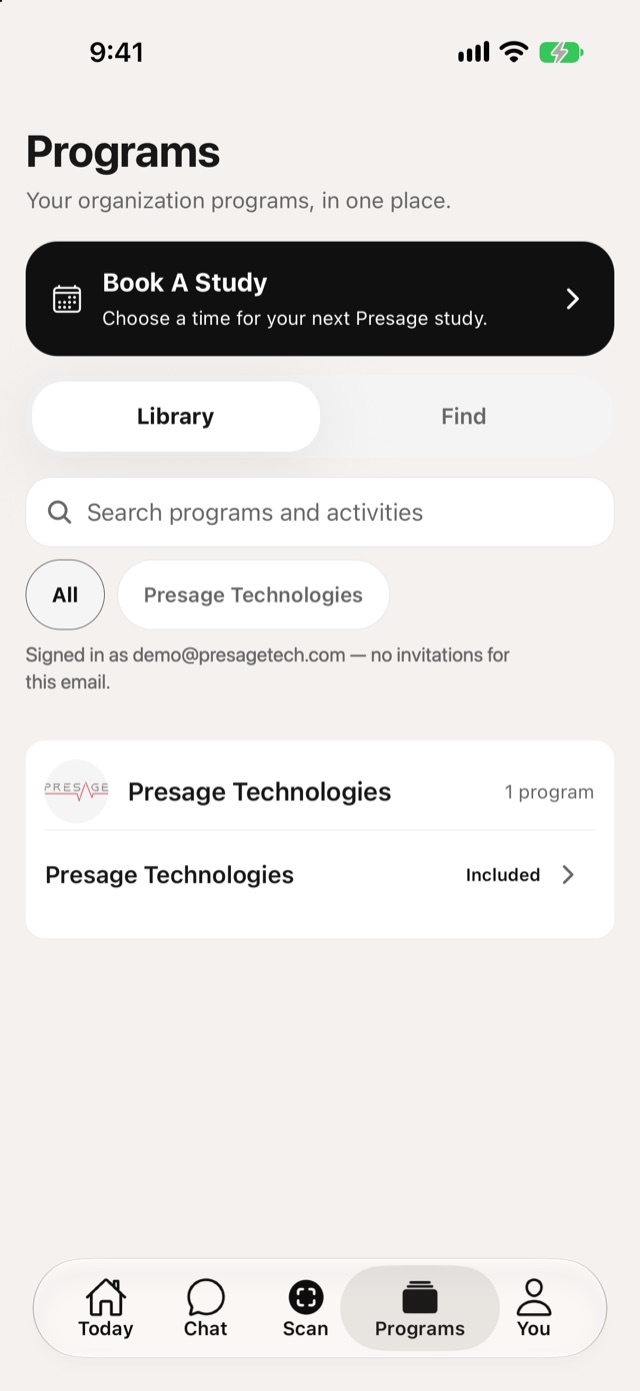
- Included: comes with your account.
- Added: you added it yourself.
Find more programs
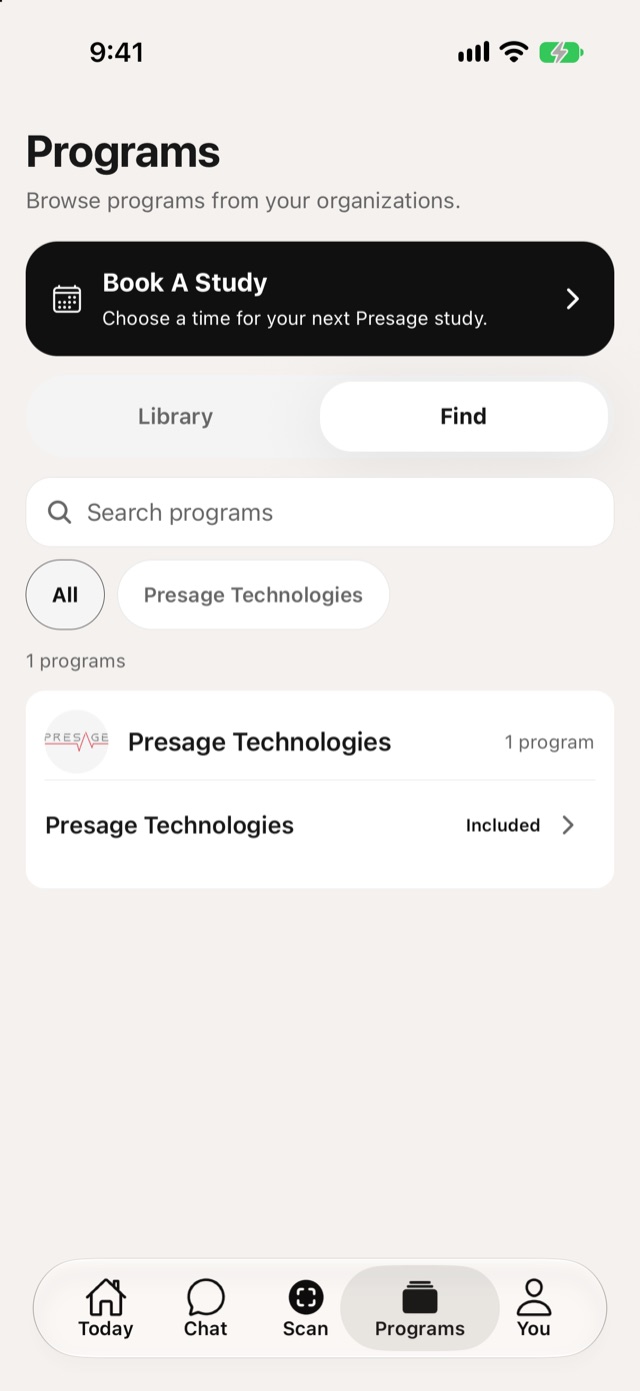
Switch to Find to browse programs from your organizations. Tap Add to Library on one you want to take part in.
Program details
Tap a program to see its description, your access, and its activities. Tap an activity to start it.
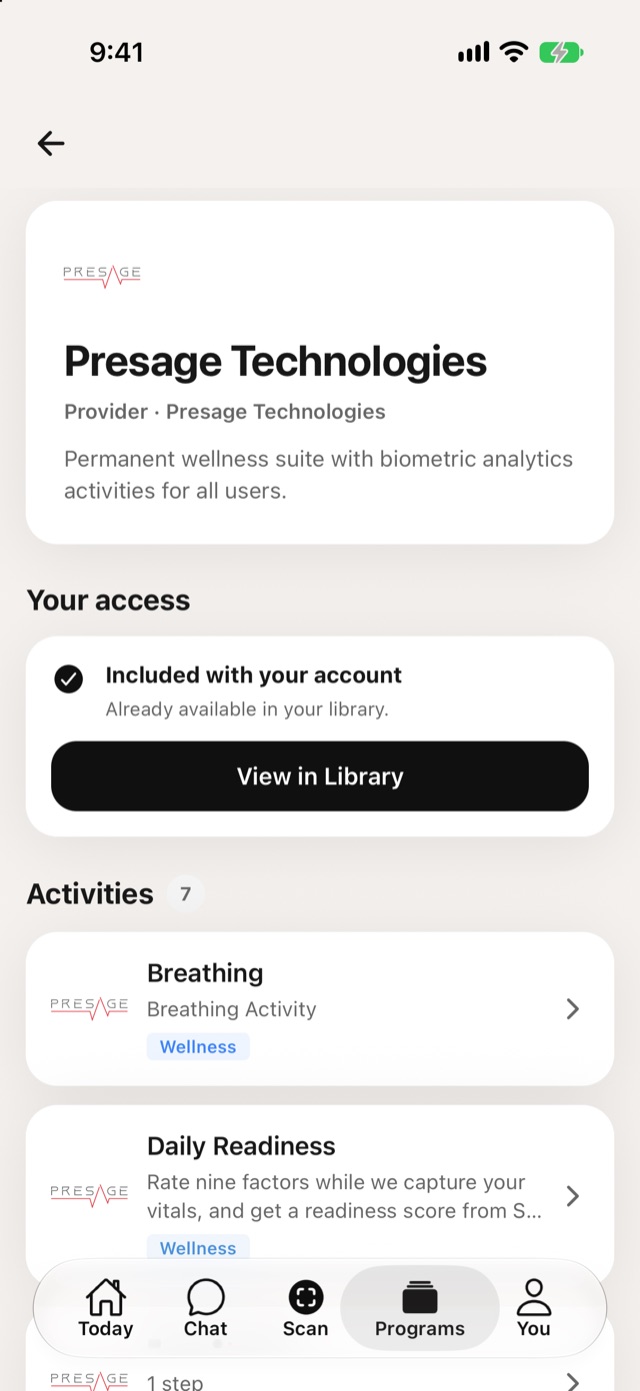
To leave a program, open it and tap Unsubscribe from Program.