



Guide
-
Read “Ready to Go?”
Coherence explains that it uses your camera to detect tiny signals invisible to the eye and turn them into health insights.
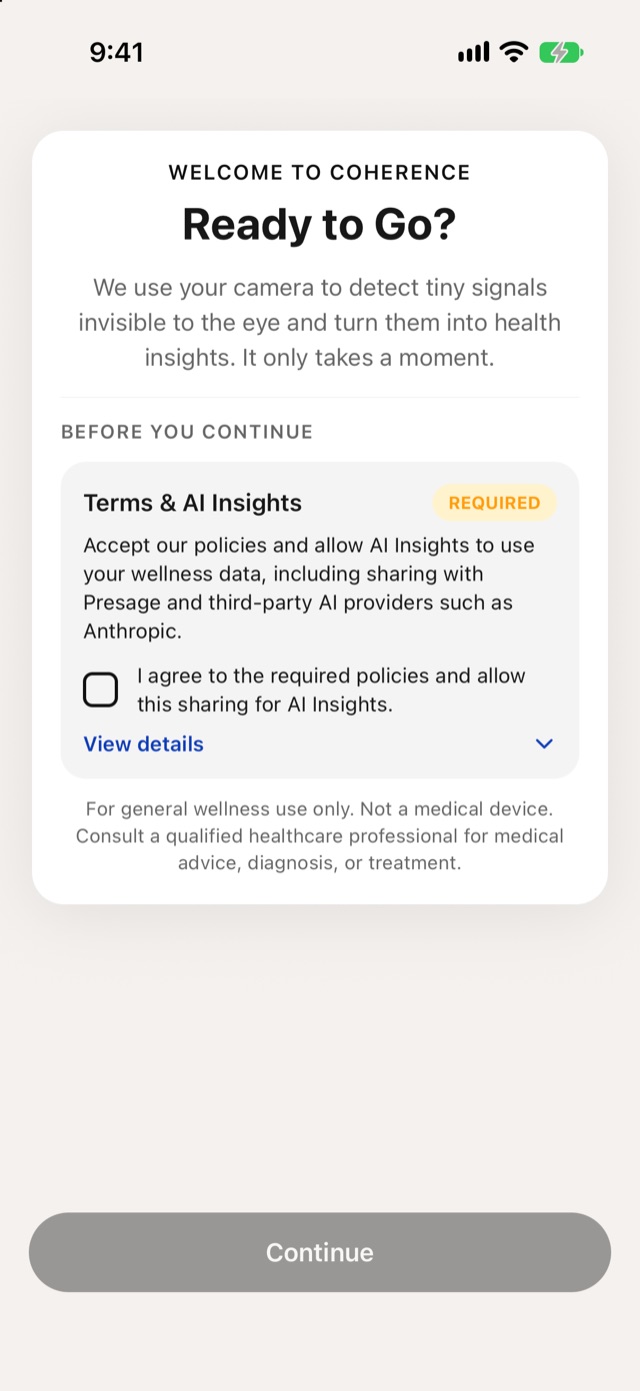
Welcome -
Read the policies
The Terms & AI Insights card covers two things: Presage’s policies, which are required, and AI Insights. Read the policies before you agree:
The same links are in the card when you tap View details.
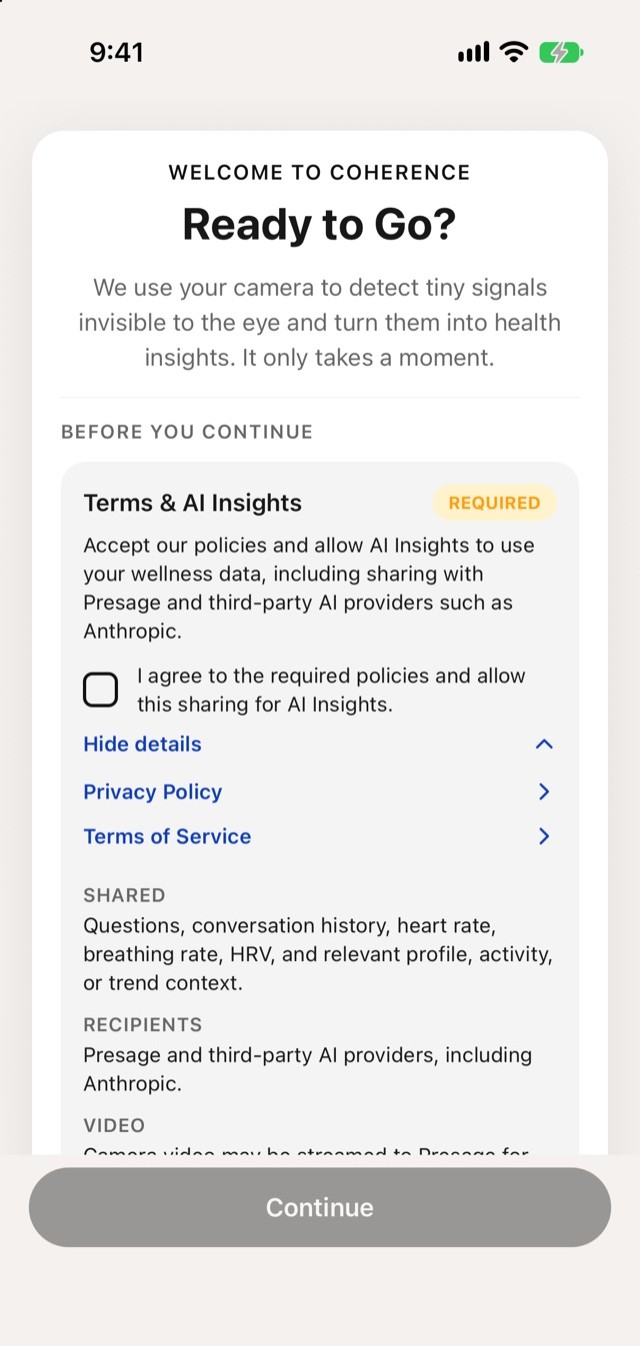
View details -
Understand AI Insights
AI Insights lets Coherence use your wellness data to answer your questions in Chat and explain your results. With it on, Coherence shares:
- What: your questions, conversation history, heart rate, breathing rate, HRV, and relevant profile, activity or trend context.
- With whom: Presage and third-party AI providers, including Anthropic.
- Video: camera video may be streamed to Presage for measurement, but it isn't sent to third-party AI providers.
-
Choose whether to accept
It’s your choice whether to accept. One checkbox, I agree to the required policies and allow this sharing for AI Insights, covers both the policies and AI Insights.
- To accept: check the box and tap Continue.
- Not to accept: leave it unchecked. Setup can't continue without it, so you won't be able to use Coherence.
If you accept but would rather not use AI Insights, you can turn it off at any time in Settings › Privacy, under AI Insights. See Privacy.
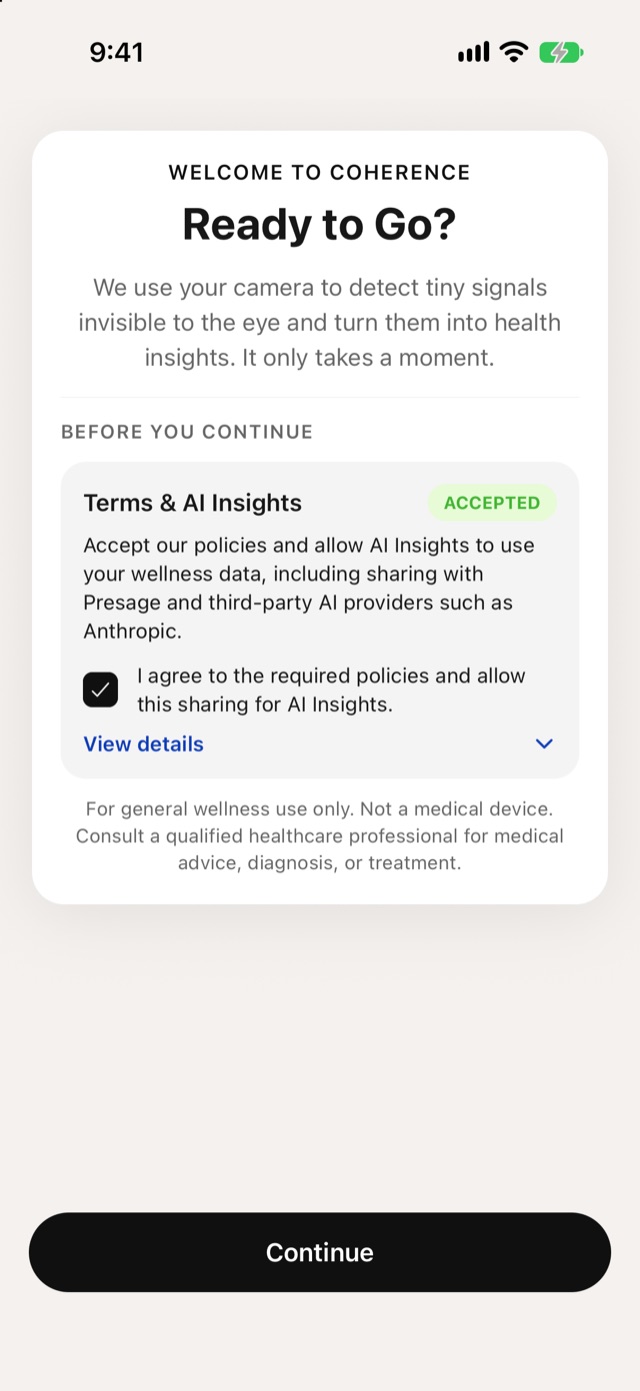
Accepted -
Get ready for your first scan
Find a comfortable spot where you can pause for about a minute and a half. Tap I’m Ready.
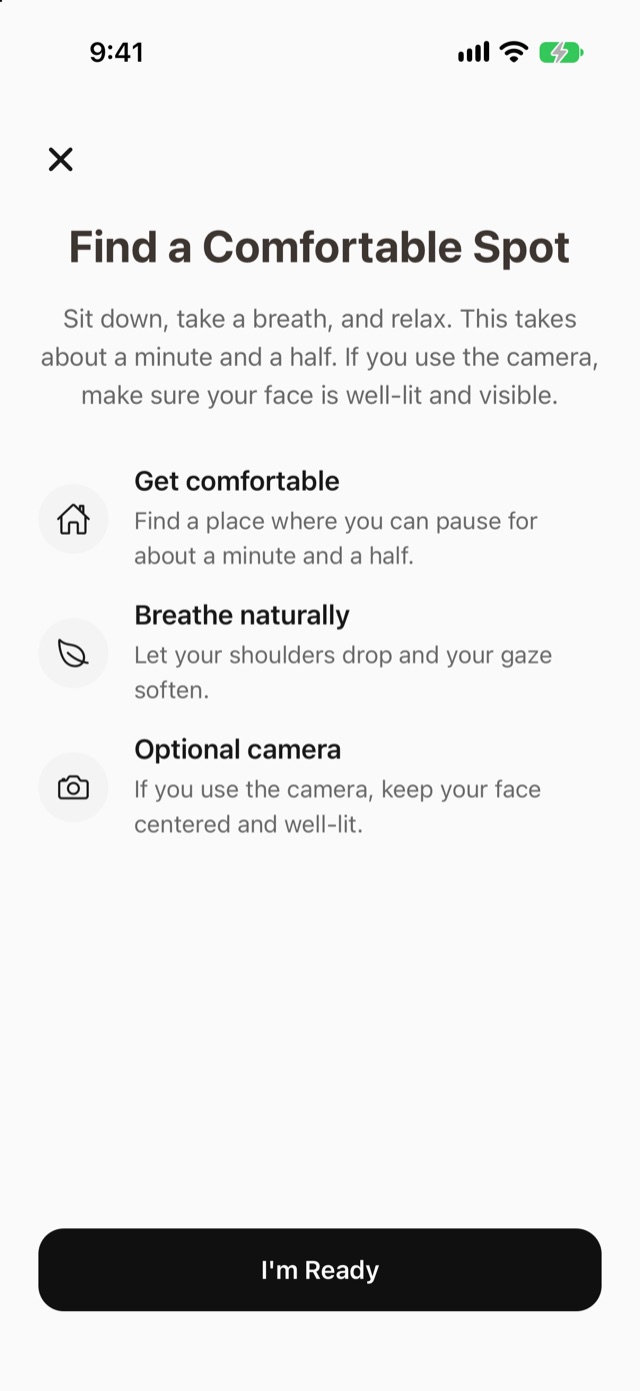
Find a Comfortable Spot -
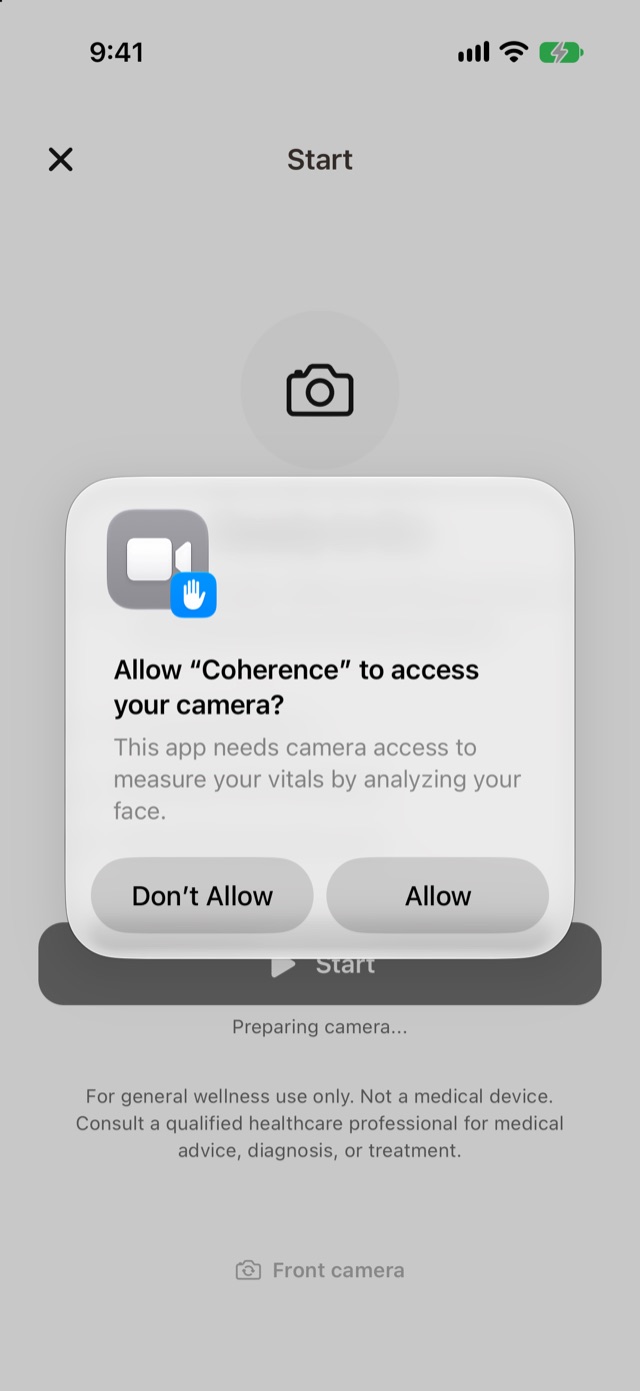
Allow the camera
Coherence asks for camera access to measure your vitals by analyzing your face. Tap Allow.
Camera access -
Take the scan
Hold still with your face in the frame while the scan runs. See Hold still for the reading.
If you tap Don’t Allow on the camera prompt, scans can’t run. Turn the camera on later in your phone’s Settings, under Coherence.