



Start an activity
Tap an activity on Today, in a program on Programs, or from the Scan tab. If you leave partway through, Coherence offers Resume activity or Start over next time.
Read the overview
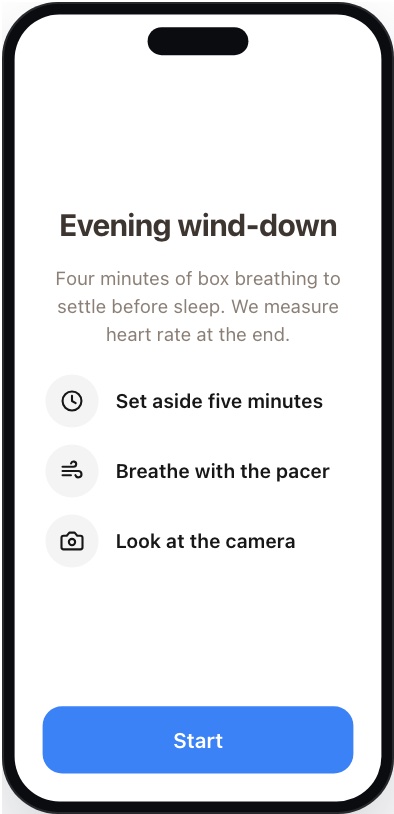
The first screen says what’s coming and roughly how long it takes. Tap the start button.
Follow the breathing guide
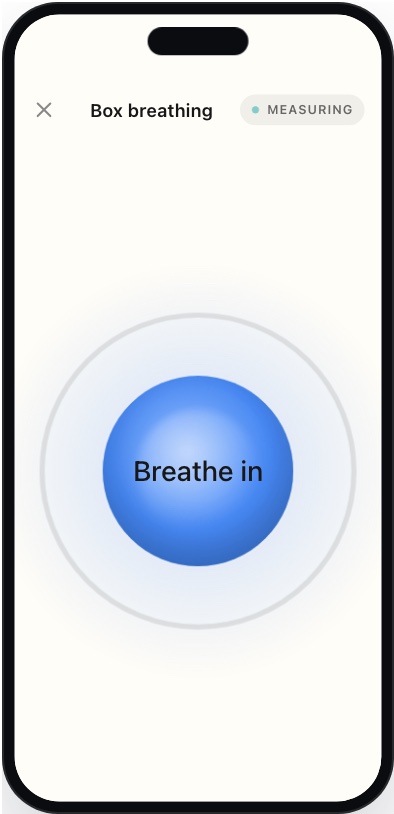
Breathe in and out with the pacer. The front camera measures heart rate and breathing the whole time, and no video is saved. Use the options to show or hide your camera and your vitals. When it ends you’ll see Nicely done. Tap Done.
Hold still for the reading
-
Get set
Find good lighting, keep your face centered, and hold still. Tap Start.
-
Stay in the frame
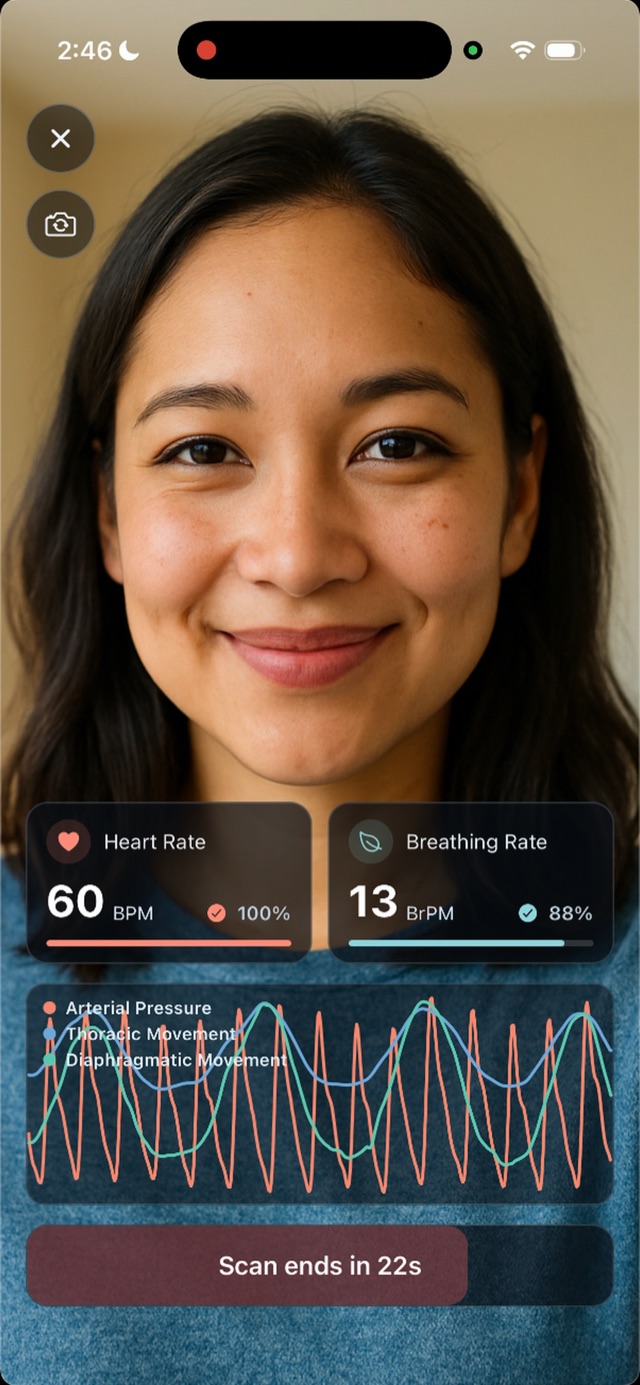
Your heart rate and breathing rate appear as the reading runs, with a confidence percentage. Follow any message on screen, such as Hold still or Center your face.
A scan in progress (iPhone) -
Let it finish
The button counts down, for example Scan ends in 22s. Tap Stop only if you need to end early.
If the scan is too short, Coherence shows Scan Too Short with Try Again or Use Anyway.
For best results, prop your phone up on a table or stand instead of holding it. A steady phone gives a more reliable reading.
Answer questions
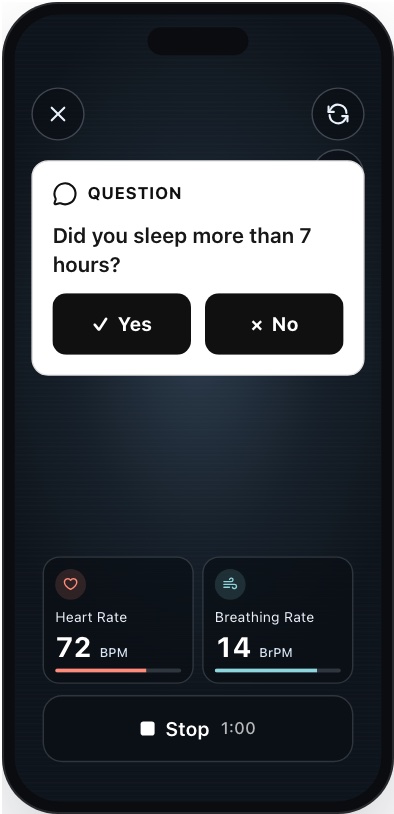
Some questions appear on their own screen, others pop up during a reading. Answer each one to continue. Required questions must be answered, and some agreements must be checked before you can go on. Tap Save and continue when you’re done.
See your results
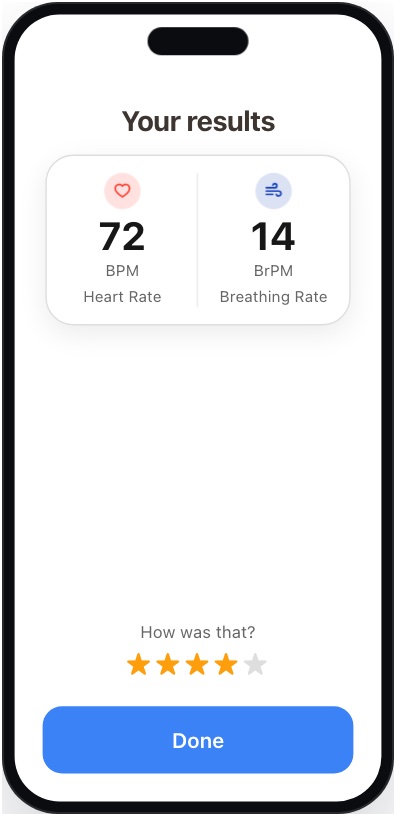
The summary shows the readings from this activity. You may be asked to rate it from 1 to 5 stars. Depending on the program, you then go back to Today, open a chat about your results, or see the results screen.
Tips for a good reading
- Face a window or lamp, with no strong light behind you.
- Prop your phone up on a table or stand at eye level, rather than holding it, so your whole face is in view.
- Stay still and quiet until the reading ends.