---
title: "Settings"
description: "Appearance, notifications, privacy, security and app information."
---

> eSSESSMENT docs. Web page: https://presagetech.com/docs/essessment/app-settings
> Index of all pages: https://presagetech.com/docs/essessment/llms.txt

# Settings
<figure class="shot phone">

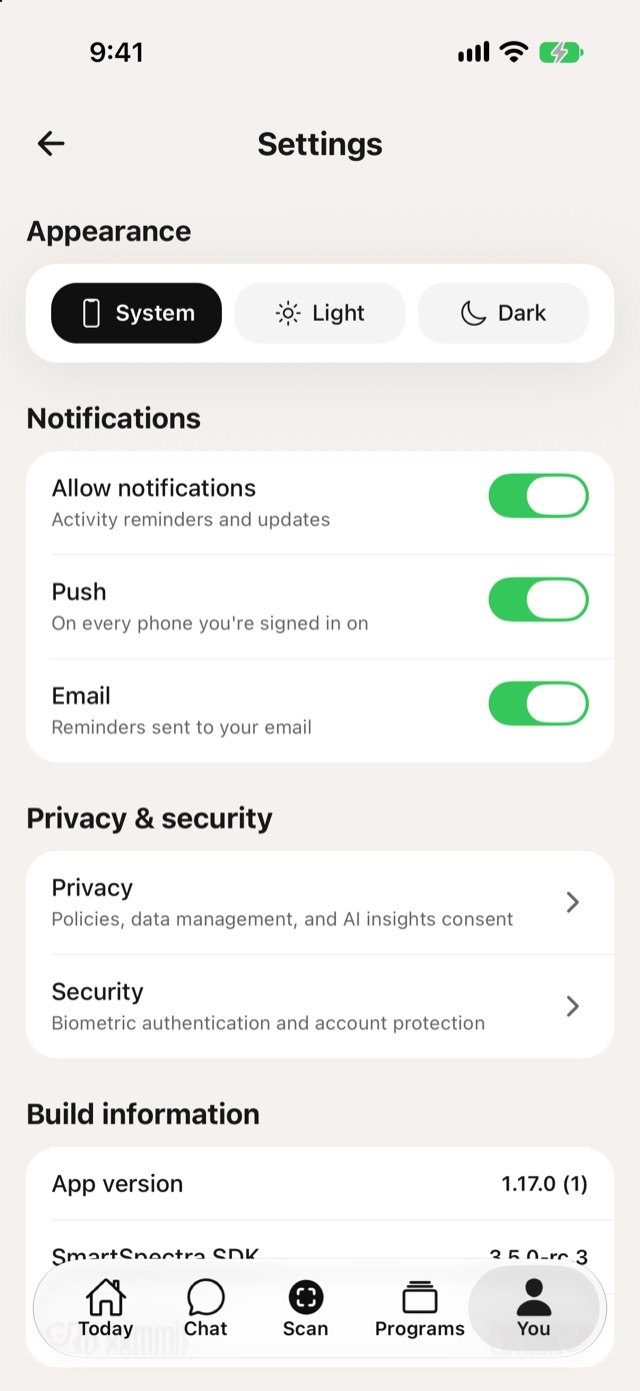
![Settings with Appearance and Notifications](https://presagetech.com/docs/essessment/assets/app/settings.jpg)

<figcaption>Settings</figcaption>
</figure>

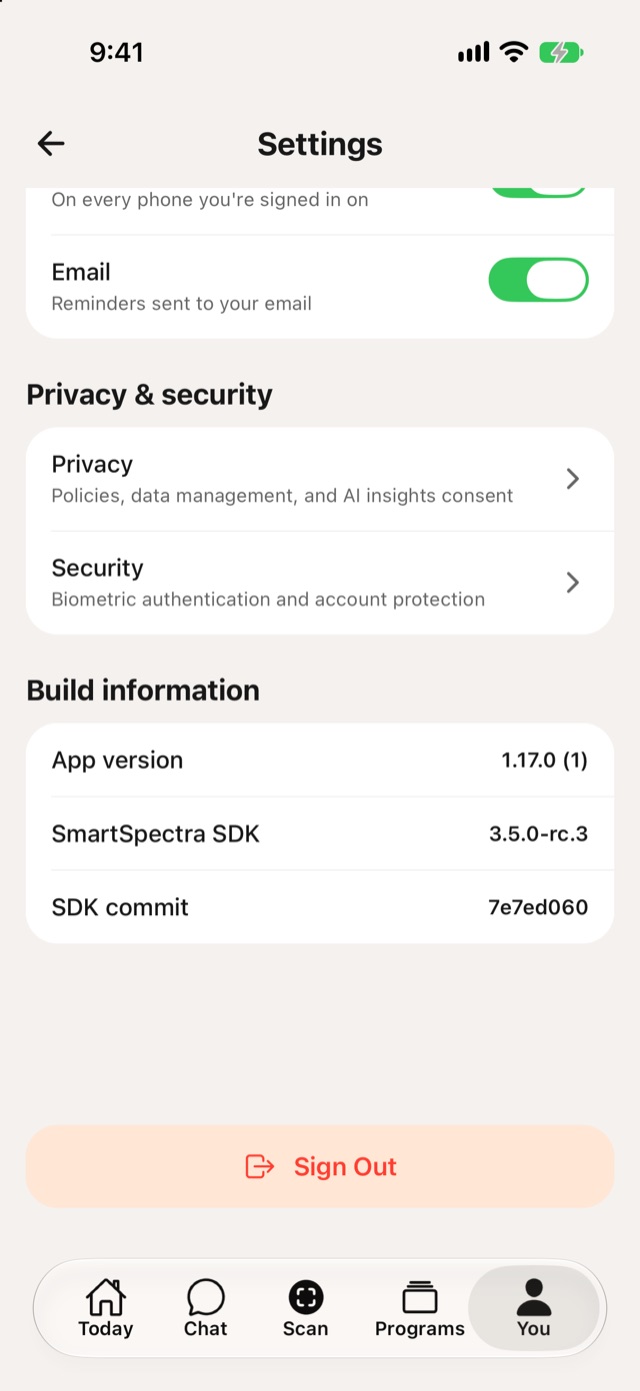
<ul class="set"> <li><b>Appearance:</b> <b>System</b>, <b>Light</b> or <b>Dark</b>.</li> <li><b>Notifications:</b> <b>Allow notifications</b> for activity reminders and updates. Choose <b>Push</b>, on every phone you're signed in on, or <b>Email</b>.</li> <li><b>Privacy &amp; security:</b> see <a href="https://presagetech.com/docs/essessment/app-privacy">Privacy</a> and <a href="https://presagetech.com/docs/essessment/app-security">Security</a>.</li> <li><b>Build information:</b> the app version and SmartSpectra SDK version, useful when you contact support.</li> <li><b>Sign Out</b></li> </ul>

<figure class="shot phone">

![Settings with Privacy and security, Build information and Sign Out](https://presagetech.com/docs/essessment/assets/app/settings-more.jpg)

<figcaption>Settings, continued</figcaption>
</figure>