---
title: "Scan"
description: "The Scan tab opens a sheet with today's activities, a quick scan, and live sessions."
---
> eSSESSMENT docs. Web page: https://presagetech.com/docs/essessment/app-quick-scan
> Index of all pages: https://presagetech.com/docs/essessment/llms.txt
# Scan
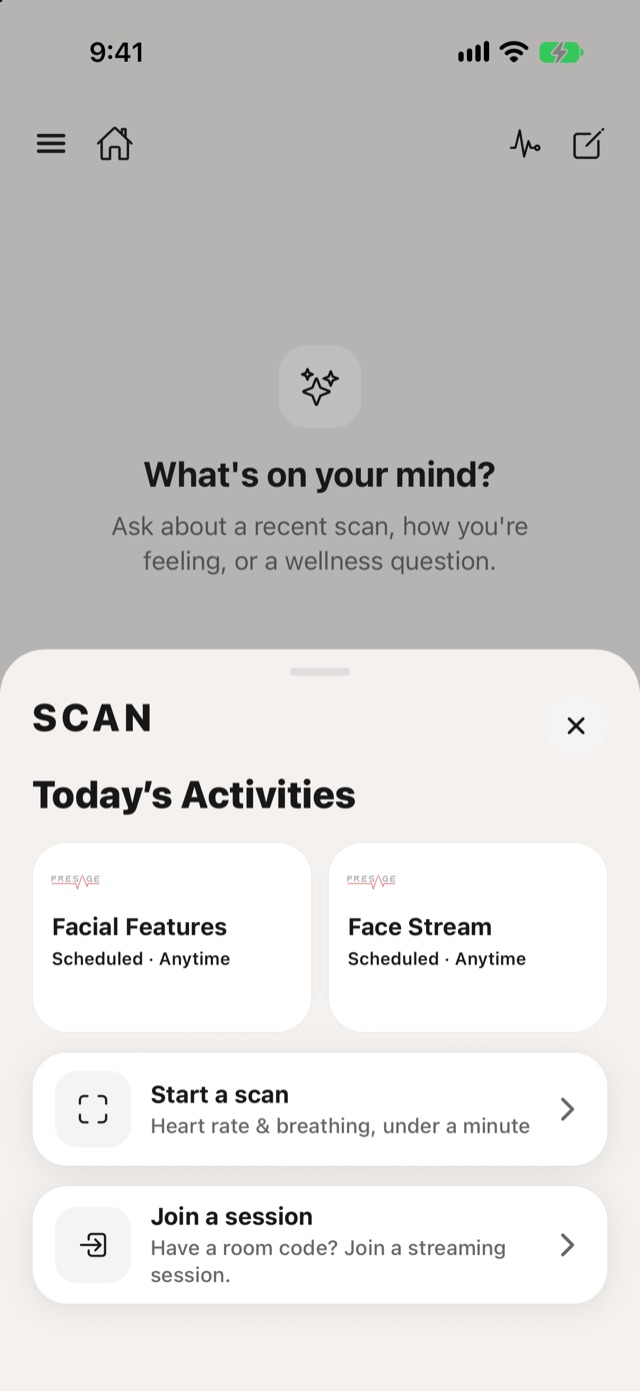
Scan
Today's Activities: tap one to start it.
Start a scan: a quick reading of heart rate and breathing, under a minute.
Join a session: enter a room code to join a live session. See Join a live session.
To choose what a quick scan shows, tap the measurements line on [Today](https://presagetech.com/docs/essessment/app-today). You can show heart rate, breathing rate, heart rate variability, and pulse, breathing and EDA waveforms. At least one has to stay on.
For supported devices and camera requirements, see [System requirements](https://presagetech.com/docs/essessment/app-requirements).