---
title: "You"
description: "Your profile, activity history and subscriptions."
---
> eSSESSMENT docs. Web page: https://presagetech.com/docs/essessment/app-you
> Index of all pages: https://presagetech.com/docs/essessment/llms.txt
# You
You
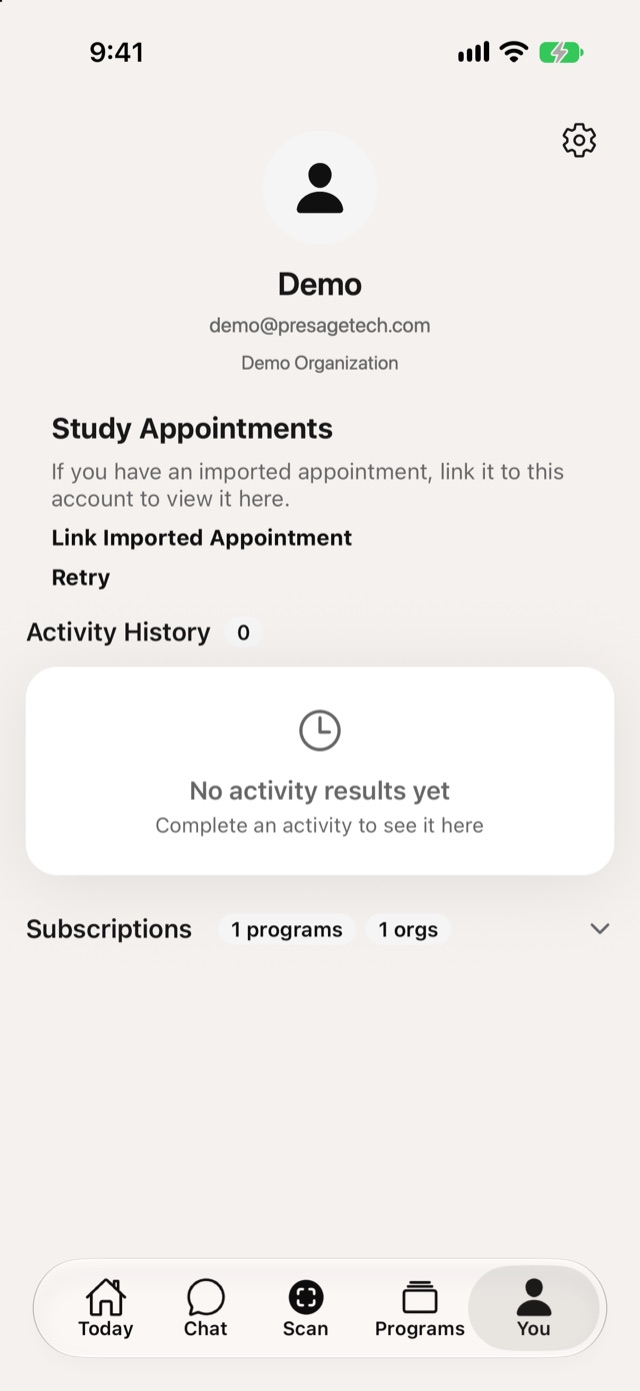
Profile: your name, email and organization.
Study Appointments: link an imported appointment to see it here, if your study uses them.
Activity History: every activity you've completed.
Subscriptions: the programs and organizations you belong to.
Tap the gear at the top right to open [Settings](https://presagetech.com/docs/essessment/app-settings).